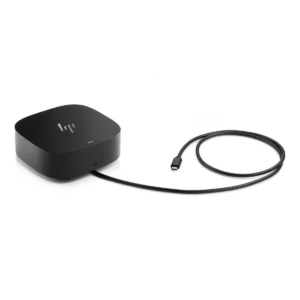
Dell Pro Smart Dock SD25
Turn your laptop into a full desk setup with one cable. The Dell SD25 Smart Dock connects your laptop to monitors, USB devices, and power through a single USB-C connection, so you plug in once and start work. As a result, you skip the tangle of cables every morning. In addition, built-in remote management helps IT teams keep every dock updated.
Why choose this dock?
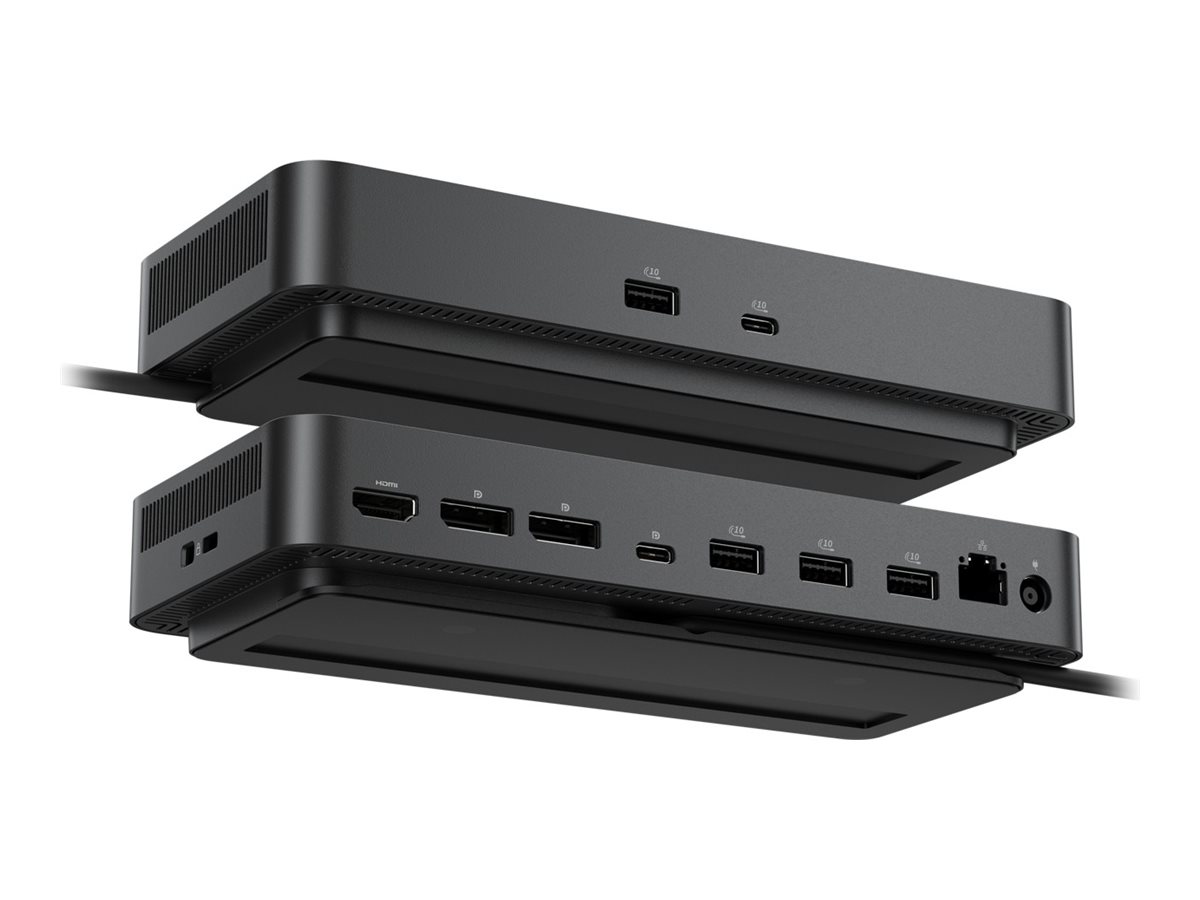
- One-cable connection: A single USB-C cable carries power, video, and data, so you dock and undock in seconds.
- Powerful charging: It delivers up to 130W to new Dell AI PCs and up to 96W to other laptops, so your laptop charges while you work.
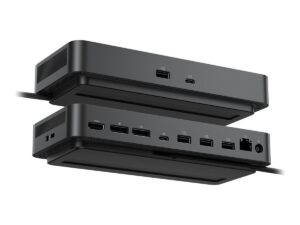
- Up to four displays: Two DisplayPort 1.4 ports and one HDMI 2.1 port support multi-monitor setups, depending on your laptop.
- Plenty of USB ports: Four 10Gbps USB-A ports and one USB-C port connect your keyboard, mouse, drives, and phone.
- Works with many systems: It supports Windows, macOS, ChromeOS, Ubuntu, and Red Hat Enterprise Linux, which suits mixed offices.
- Easy IT management: IT teams can configure and update docks remotely over Wi-Fi, so they save time across many desks.
- Built-in security: Hardware-based encryption and a Kensington lock slot protect your data and your dock.
Which laptops work with the Dell SD25 Smart Dock? (verify)
The Dell SD25 Smart Dock works with Dell laptops, and also with other laptops and tablets that have a USB-C port with DisplayPort Alt Mode and Power Delivery. However, the number of displays and the charging power depend on your laptop, so check your model before you buy. Not sure yours fits? Send us your laptop model, and we will confirm before you order. You can also read Dell’s official product page.
Specifications
- Brand: Dell
- Model: Dell Pro Smart Dock SD25
- Part number: DELL-SD25
- Host connection: USB-C (integrated cable)
- Power delivery: Up to 130W (new Dell AI PCs), up to 96W (other laptops)
- Display outputs: 2 x DisplayPort 1.4, 1 x HDMI 2.1
- Maximum displays: Up to 4 (depends on your laptop)
- USB ports: 4 x USB-A 3.2 Gen 2 (10Gbps), 1 x USB-C 3.2 Gen 2 (10Gbps)
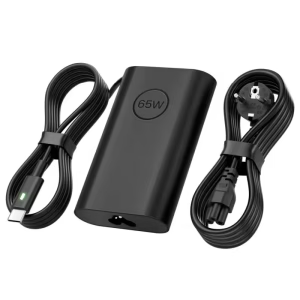
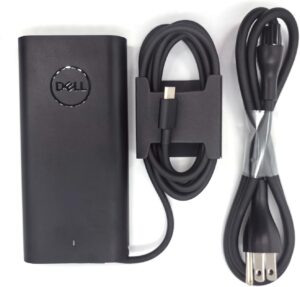
- Power supply: 180W external adapter
- Security: Hardware-based encryption, Kensington lock slot
- Management: Dell Device Management Console (remote, over Wi-Fi)
- Compatible systems: Windows, macOS, ChromeOS, Ubuntu, Red Hat Enterprise Linux
- Colour: Black
Planning your setup
First, check how many monitors your laptop supports, because this limits the dock. Next, count the USB devices you want to connect. Also, check that your laptop charges over USB-C at 65W or more, so the dock keeps it powered. Finally, ask our team about monitors and cables to complete your desk.