
Flexible and Safe Payments
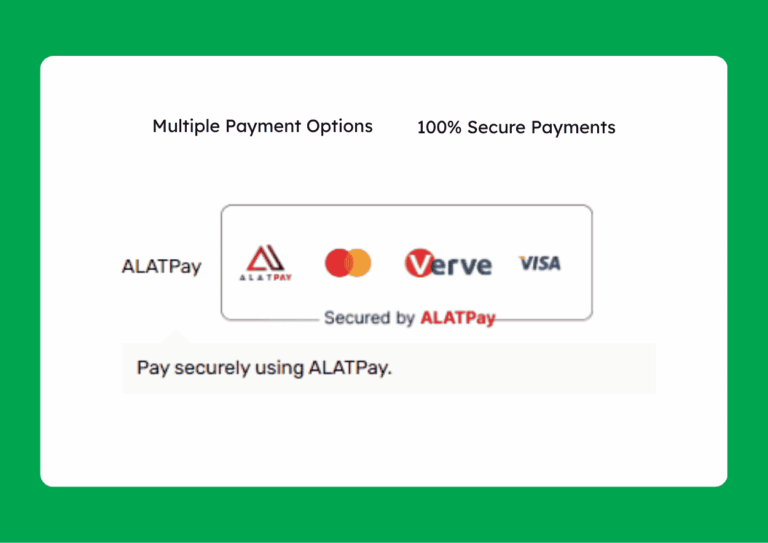
Pay by bank transfer, Visa card, Verve card or Mastercard for a secure, easy checkout.
Our Step-by-Step Payment Guide
At Aixia, we provide a clear guide to ensure smooth payments from start to finish for our customers.
Bank Transfer
How to Pay by Bank Transfer:
1. Click “Proceed to Checkout” on the order page.
2. Fill in shipping info and click “Place Order”.
3. Click “Pay With Alat”.
4. Select “Bank Transfer”.
5. Copy the Account number on the screen and Pay
Note: Customers should note that the account is for the transaction only, and the account expires within 30 minutes.
Pay with Card
How to Pay by Card:
- Click “Proceed to Checkout” on the order page.
- Fill in shipping info and click “Place Order”.
- Click “Pay With Alat”.
- Select “Pay with Card”.
- Enter your Card Number, Expiry Date, CVV, and Card PIN, then click Pay
Note: Customers should note that they may be required to complete an OTP or 3D Secure verification step with their bank.
Pay with ALAT/Wema
How to Pay by ALAT/Wema:
- Click “Proceed to Checkout” on the order page.
- Fill in shipping info and click “Place Order”.
- Click “Pay With Alat”.
- Select “Pay with ALAT/Wema”.
- Enter the account number to be debited, select your bank from the dropdown list, and click Send Otp.
Pay with Phone (USSD)
How to Pay by Phone (USSD):
- Click “Proceed to Checkout” on the order page.
- Fill in shipping info and click “Place Order”.
- Click “Pay With Alat”.
- Select “Pay with Phone (USSD)”.
- Enter your 11-digit phone number and click Pay.