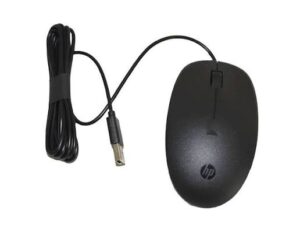


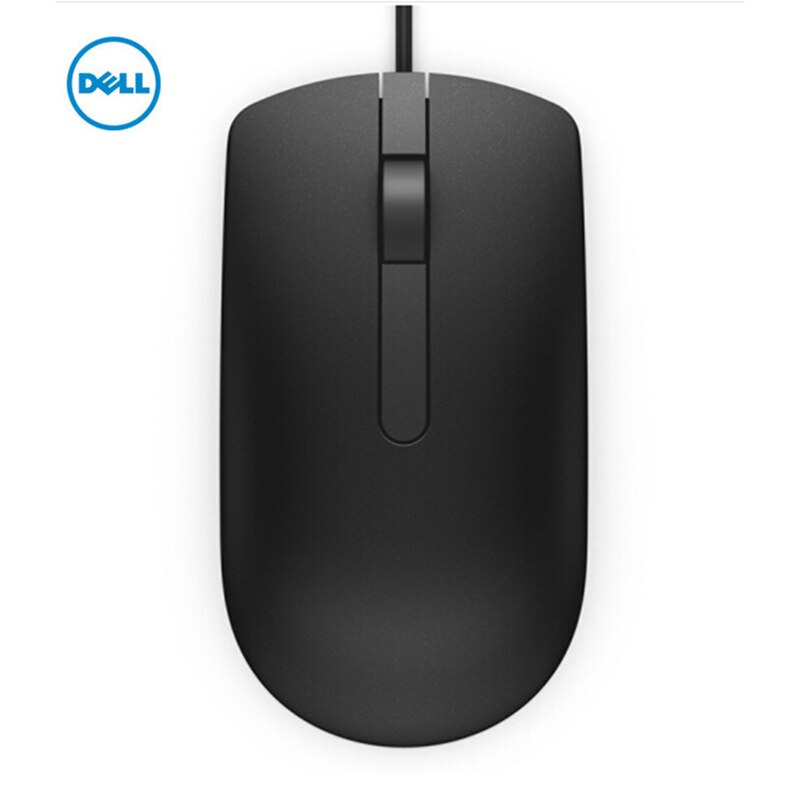
Dell MS116 Wired Optical Mouse (Black)
Get a simple, dependable mouse for everyday work. The Dell MS116 optical mouse plugs into any USB port and works straight away, so you need no drivers, batteries, or setup. As a result, you start working in seconds. In addition, its comfortable shape and long cable make it a practical choice for offices, schools, and home desks.
Why choose this mouse?
- Accurate optical tracking: The 1000 DPI sensor follows your hand precisely, so your cursor goes where you want it.
- Plug and play: You connect it to a USB port, and it works immediately on most computers.
- No batteries needed: The cable powers the mouse, so it never runs out at a bad moment.
- Comfortable for everyone: The ambidextrous design suits both left-handed and right-handed users.
- Long 1.8 m cable: The cable reaches desktop PCs under a desk, so you keep your setup tidy.
- Light and compact: It weighs under 100 g, so you also carry it easily in a laptop bag.
- Simple controls: Two buttons and a scroll wheel cover everyday clicking and scrolling.
Which computers work with the Dell MS116 optical mouse? (verify)
The Dell MS116 optical mouse works with desktops, laptops, and all-in-one computers that have a free USB-A port. It works on Windows and Linux, and most listings also say it works on macOS. However, if your laptop only has USB-C ports, you will need a USB-A to USB-C adapter. Not sure it suits your setup? Send us your computer model, and we will confirm before you order. You can also read Dell’s official support site.
Specifications
- Brand: Dell
- Model: MS116 Optical Mouse
- Connection: Wired, USB Type-A
- Sensor: Optical (LED)
- Resolution: 1000 DPI
- Buttons: 2 buttons and a scroll wheel
- Design: Ambidextrous
- Cable length: 1.8 m
- Weight: about 90 g
- Dimensions: about 114 x 61 x 36 mm
- Colour: Black
- Power: Via USB cable
Tips for getting the best from your mouse
First, use it on a clean, flat surface or a mouse mat, because this keeps tracking accurate. Next, avoid glass and highly reflective surfaces, since optical sensors struggle on them. Also, wipe the sensor on the underside with a dry cloth now and then. Finally, avoid bending the cable sharply, so it lasts longer.