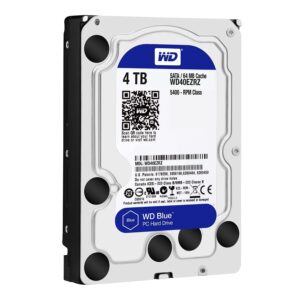
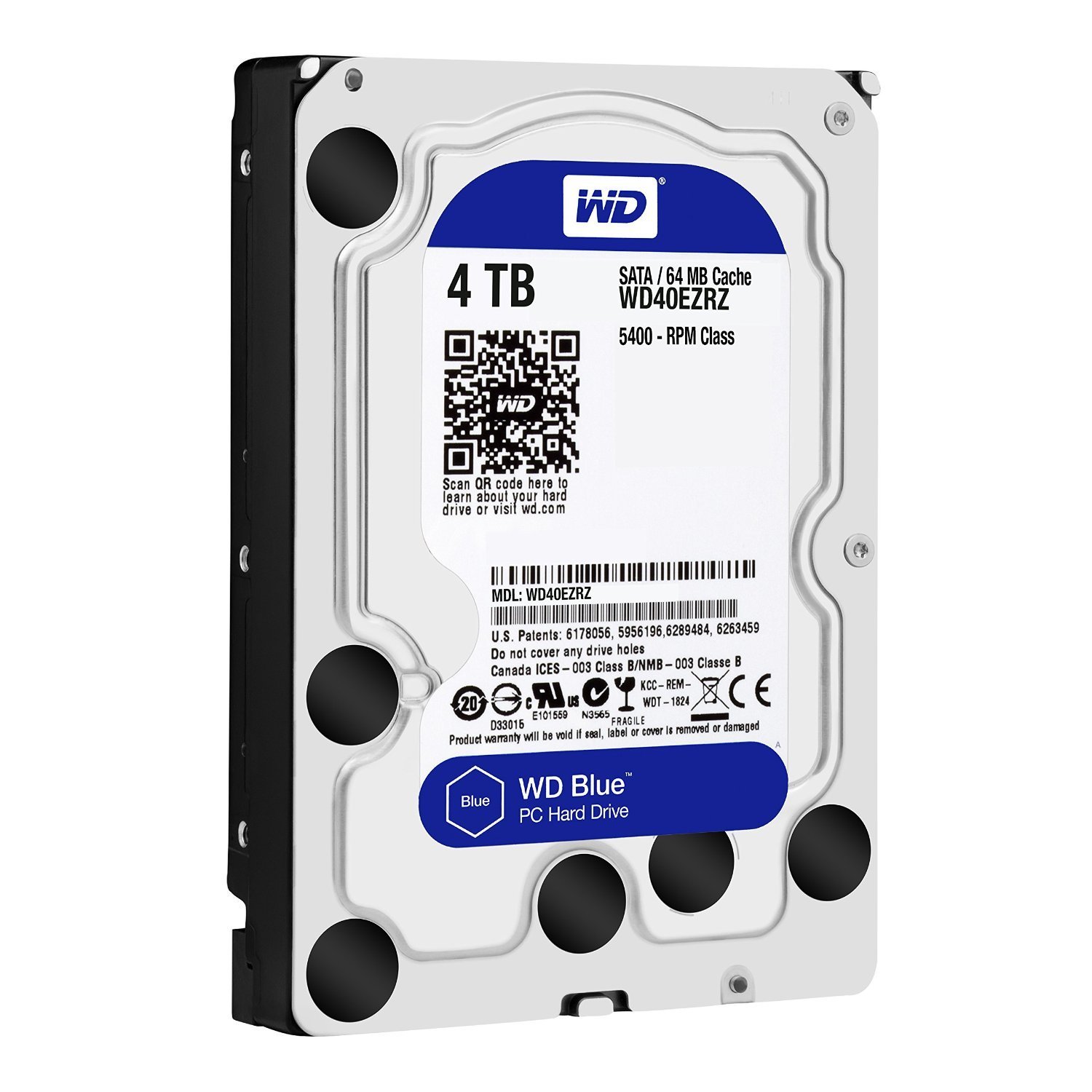
WD Blue 4TB 3.5-inch Desktop Hard Drive
Add plenty of storage to your desktop PC. The WD Blue 4TB drive gives you room for documents, photos, videos, and backups, so you stop deleting files to make space. As a result, you keep your whole library in one place. In addition, its quiet, low-power design suits home and office computers.
Why choose this drive?
- 4TB of space: You store thousands of photos, hours of video, and large backups on one drive.
- Reliable everyday performance: A 256MB cache and a SATA 6Gb/s connection keep file transfers smooth.
- CMR recording: Conventional magnetic recording suits mixed read and write jobs, so large copies stay steady.
- Quiet and cool: The 5400 RPM speed and low power management reduce noise and heat, which is ideal for desktop PCs.
- Durable design: NoTouch ramp load technology keeps the read/write heads away from the disk surface, which protects your data.
- Easy upgrade: It fits a standard 3.5-inch bay and connects with a normal SATA cable.
Where can you use the WD Blue 4TB? (verify)
The WD Blue 4TB suits desktop PCs, all-in-one PCs with a 3.5-inch bay, and home or office computers. It works well for documents, media storage, and backups. However, it is not made for NAS devices or servers that run around the clock. For those, choose a NAS or enterprise drive, and send us your system model, and we will recommend the right one before you order. You can also read Western Digital’s official product page.
Specifications
- Brand: Western Digital
- Model: WD Blue 4TB (WD40EZAX)
- Capacity: 4TB
- Form factor: 3.5-inch
- Interface: SATA 6Gb/s
- Spindle speed: 5400 RPM
- Cache: 256MB
- Recording technology: CMR
- Internal data rate: up to about 180MB/s
- Dimensions: 147 x 101.6 x 26.1 mm
- Weight: about 0.57 kg
- Warranty: 2-year limited
Planning your upgrade
First, check that your PC has a free 3.5-inch bay and a free SATA port. Next, back up your important files before you install or clone a drive. Also, use an SSD for your operating system and this drive for storage, because the combination is fast and affordable. Finally, ask our team if you need a SATA cable or a mounting bracket.